
⚡ Software · Available
Gaemster QR Studio
Create, customize, test, and download QR codes you can trust before you print them.
Loading QR Studio…
How to make a QR code that scans
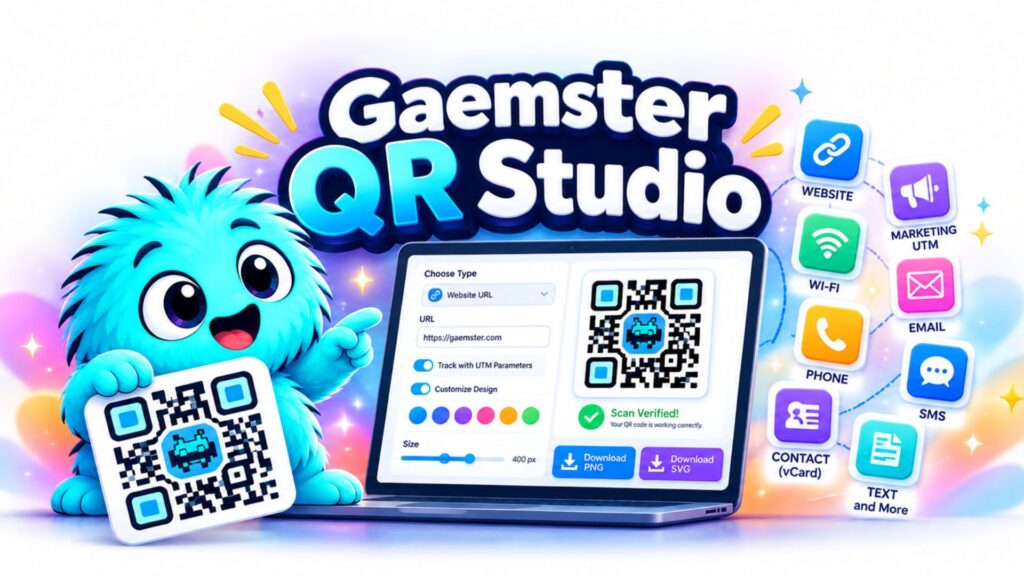
QR Studio is a free QR code generator that proves each code scans before you print it. Pick a type, fill in the details and watch the code update. Then check the scan test, download a PNG or SVG, and you are done. Everything happens in your browser.
Pick the right type
- Website
- Send people to a web page. The most common choice for posters, flyers and packaging.
- Campaign link
- A web address with UTM tags, so your analytics show which print piece brought the visit.
- Wi-Fi
- Guests join your network by scanning, with no typing. Anyone who scans can read the password, so display it only where that is fine.
- Open a ready-to-send message with the address, subject and body filled in.
- Phone call
- Start a call to a number. Add the country code if people outside your country may scan it.
- Text message
- Open a text to a number with optional pre-written words.
- Start a WhatsApp chat with a number, with an optional first message.
- Contact card
- Save your details to a phone in one tap. Fewer fields make an easier-to-scan code.
- Map location
- Open a place in the phone maps app, from coordinates you type or your current location.
- Calendar event
- Add an event with its time and place to a phone calendar.
- Plain text
- Show a short message when the code is scanned.
Get a code that scans
- Use strong contrast. A dark code on a light background is the safest. Light-on-dark codes fail in many older scanners.
- Keep the clear border. The blank margin around a code helps scanners find it. Do not crop it or put text inside it.
- Print it big enough. At least 2 cm (0.8 in) wide, and larger for dense codes or scanning from a distance.
- Keep it short. The more content, the denser the code. A shorter web address makes an easier-to-scan code.
- Test the real print. Scan it with an iPhone and an Android phone before printing a large batch.
Frequently asked questions
Is QR Studio really free?
Yes. Creating and downloading QR codes is free, with no account and no watermark.
Do the QR codes expire?
No. These are static codes: the destination is stored inside the code itself, so it keeps working as long as the destination does.
Can I see how many people scan my code?
Not with a static code, and QR Studio does not track scans. For marketing, use the Campaign link type. It adds UTM tags, so analytics tools like Google Analytics show which poster, flyer or postcard brought each visit.
Is my information private?
Yes. Codes are created in your browser and nothing you type is sent to Gaemster. Recent projects, if you keep them, stay on your own device, and Wi-Fi passwords are never saved.
How do I know the code will scan?
QR Studio reads every code back with a QR decoder and checks that it matches what you entered. It also checks contrast, border and density. That is a strong safeguard, but always test the final print with a couple of phones before you print a lot of copies.
Should I download PNG or SVG?
Use SVG for print, because it stays sharp at any size. Use PNG for websites, email and social posts.
How big should I print a QR code?
At least 2 cm (0.8 in) wide for a simple code, and larger for dense codes or codes scanned from a distance. The preview shows a recommended minimum. Add about 1 cm for every 10 cm of scanning distance.
Why does it say "Check before printing"?
The scan test passed, but something could cause trouble in real life, such as low contrast, light-on-dark colors, a small border, a very dense code or an http:// link. The notes next to the preview explain each one.
Can I put a logo in the middle of the code?
Not at the moment. A logo covers part of the code and can stop it scanning, so any logo feature would need to pass the scan test.
Does it work on iPhone and Android?
Yes. QR codes follow an open standard that current iPhone and Android cameras read. A few formats, like text messages with pre-written words, behave slightly differently on each, and QR Studio notes those.
Can I change where a code points later?
Not on a static code. If you might change the destination, point the code at a short link or redirect on a site you control.
Features
- Create QR codes for websites, Wi-Fi, email, phone, SMS, contacts, and more
- Build trackable marketing QR codes with UTM parameters
- Customize QR colors, backgrounds, and output size
- Verify QR codes are scannable before downloading
- Download high-quality PNG and SVG files
- Create transparent-background QR codes for design projects
- Save recent QR projects locally in your browser
- Privacy-first processing — your QR content stays on your device
- No account required
- No watermark